
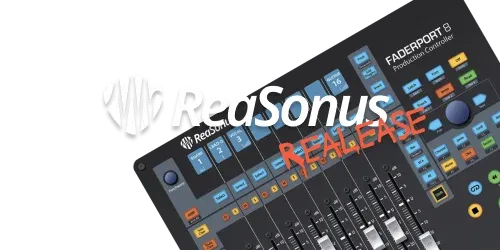

New ReaSonus version (v0.7.0)
A new version of ReaSonus Native has been released.
What's Changed
FaderPort 8/16
- Fixed issue with wrong time code when `Use ruler time unit` was selected.
- Added the abilty to uninvert labels for the plugin mapping. This is a drop down select on the plugin Mapping page in the ReaSonus Control Panel.
- Added option to set the scroll size for controlling plugins. This can be set in 3 ways:
- In the ReaSonus Control panel under the Plugin Control tab
- In the on-device menu
- When controlling a plugin, press the Pan/Param encoder. The first display will show the step size. Set the step size with the encoder and click the encoder again to save the value
- When selecting a track in REAPER and this track is already visible on the FaderPort, it will not change the tracks on the FaderPort. If teh track is not visible on the device, it will scroll with bank-size steps.
Install
ReaSonus Native is now available in ReaPack. There is no need to add a repository, but works
out-of-the-box. In ReaPack search for ReaSonus and you can install it.
Don't forget to install SWS and ReaImGui v0.10 if you have not installed them yet
Documentation
Documentation can be found here. If you see typo's or other issues with the documentation, please report them, so the documentation can get updated.
Thanx to anyone reporting issues and help me debug them.
Full Changelog: https://github.com/navelpluisje/Reasonus-Native/compare/0.6.0...0.7.0