
Translations Editor
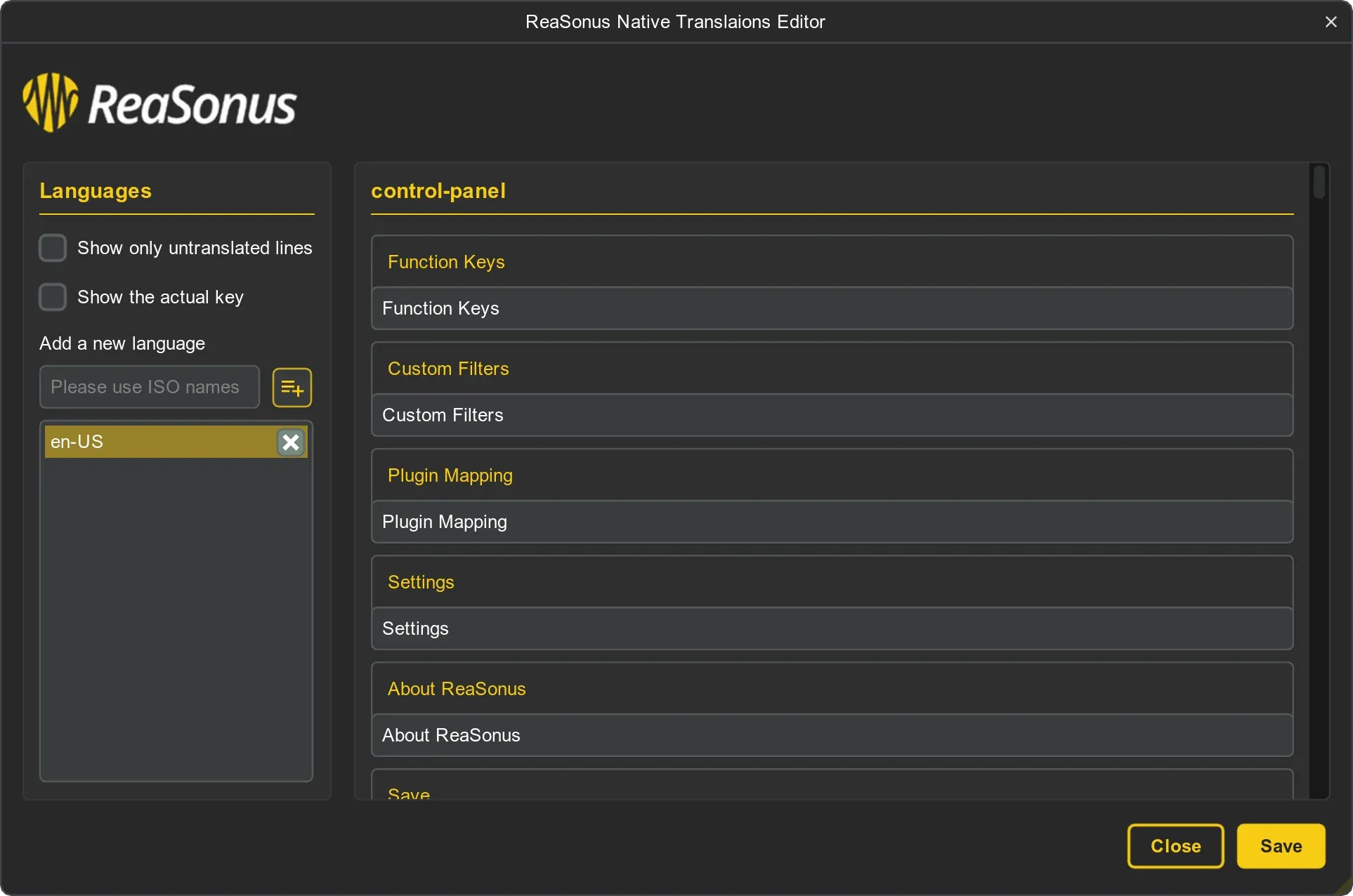
Within Reasonus Native it is possible to manage languages and translations.
Add Language
- Open the Reasonus Native Translations Editor via:
- Actions List: Search for
translationsand select the proper action - Open the Settings Page in the ReaSonus Native Control panel
- Enter a name for the new language. It is recommanded to follow the next convention:
-
The first 2 letters are for the language like
en,nl,fr, in lower case - The second 2 letters will be the country like
CA,DE, etc - Connevt these with a dash like:
en-US,fr-CA - Click the add icon next to the input field. A new file for your language is created and populated with the en-US translations
- Now you can edit the translations to your liking and sasve the changes
- After editing the changes you can go to the Settings Page in the Control Panel
- Select your language and click Save
Contribute
For now, only en-US will be shipped with ReaSonus Native. If you think your language should get added to the ReaSonus Native install, please contact me. When doing that, please keep in mind that I will ask you for updates to the file when changes are needed, so it not a one-of. You cen send me a DM in the REAPER Forum or create an issue in Github
How do updates work
A little bit of technical background:
-
When updated with ReaPack the new
en-UStranslation file will get installed in the/UserPlugins/ReaSonus - On startup of REAPER the current en-US file will get overwritten with the new one.
- All other language files will get updated with the newly added translations. (current translations will off course stay as they are)
- You can now update the newly added translations to the language you want